Website feedback,
without the install.
Send a review link. Your clients annotate directly on the live site. You get screenshots, session replays, and console logs — automatically.
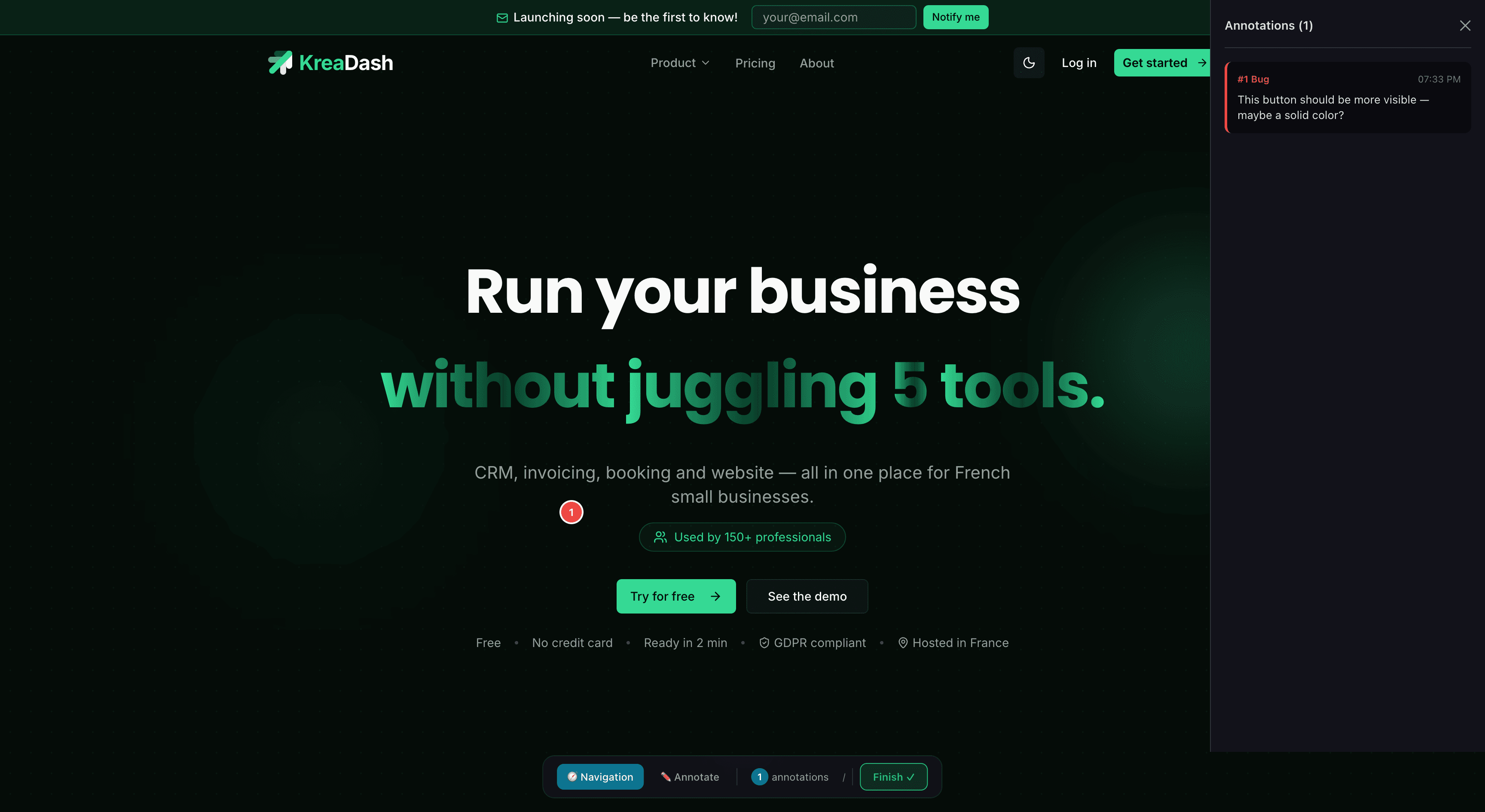
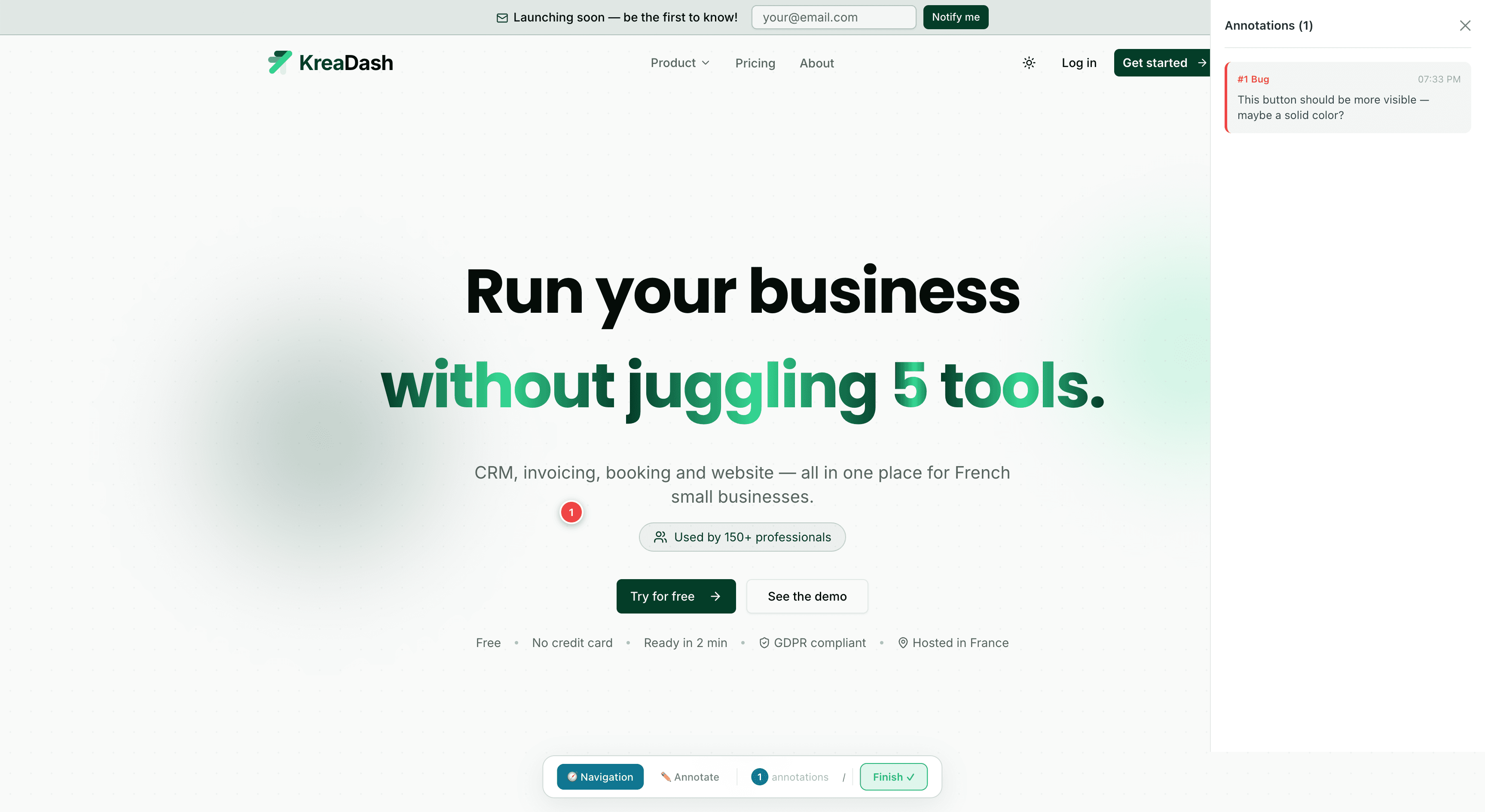
This button should be more visible — maybe a solid color?
Features
Everything captured. Nothing to install.
Pin it. Draw it. Discuss it.
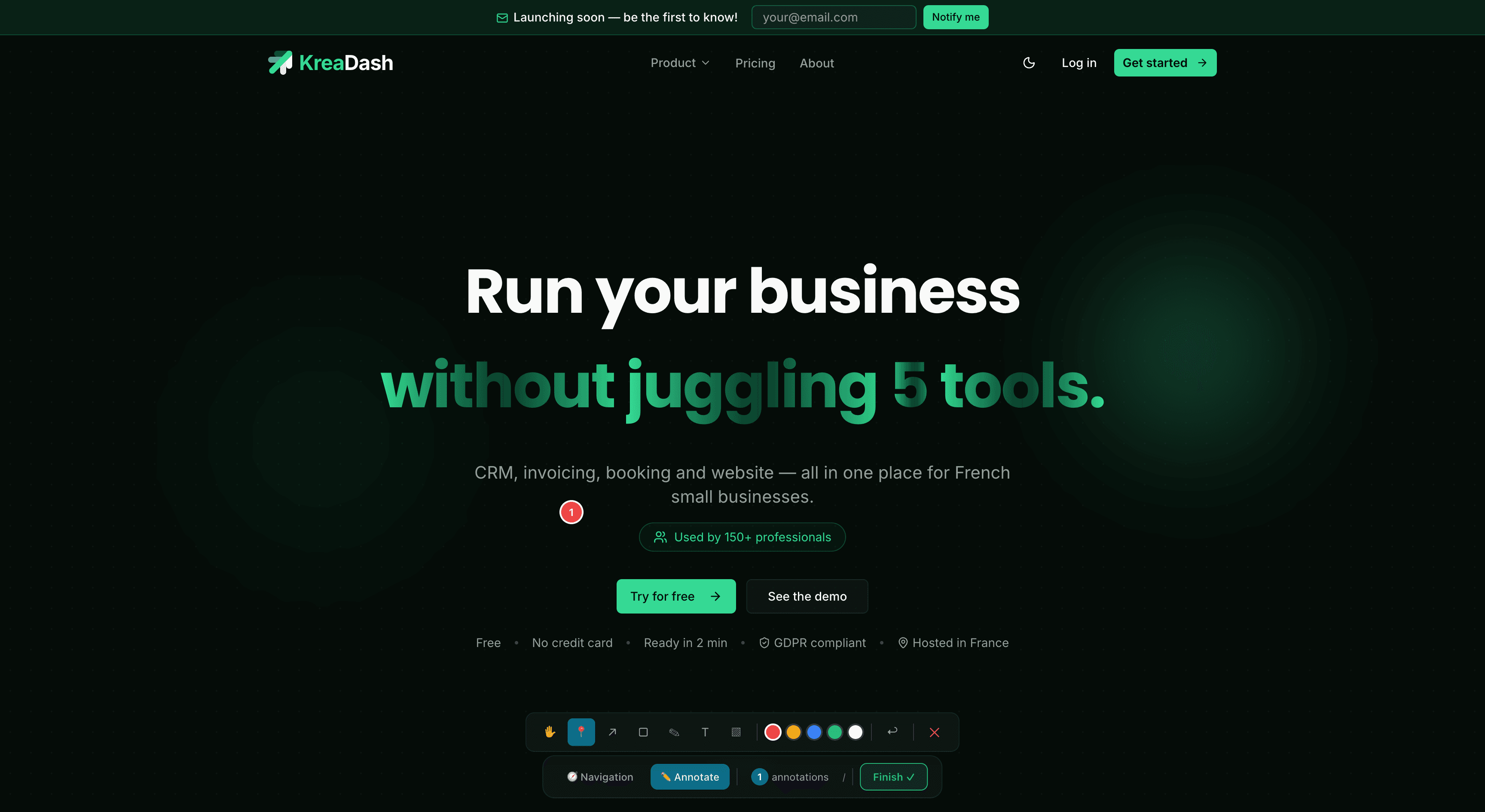
Six tools to express any feedback: pins, arrows, rectangles, freehand, text, and blur. Each annotation is categorized and supports threaded comments — so context is never lost.
"The login button is broken on Safari mobile"
You: Thanks, I can reproduce it. Fixing now.
Every technical detail, captured on click.
When a client drops a pin, Flagr captures a pixel-perfect screenshot, a DOM-level session replay, browser console logs, and network errors. All automatically — no "open DevTools" needed.
Screenshot
Pixel-perfect, with drawings
Session Replay
DOM-level, lightweight
Console & Network
Errors captured at annotation time
Browser & OS
Chrome 120 / macOS 14 / 1920x1080
One link. No install. 30 seconds.
Flagr wraps your site server-side. Your client clicks a link and starts reviewing immediately — no accounts to create, no extensions to install, no SDK to integrate. This is unique to Flagr.
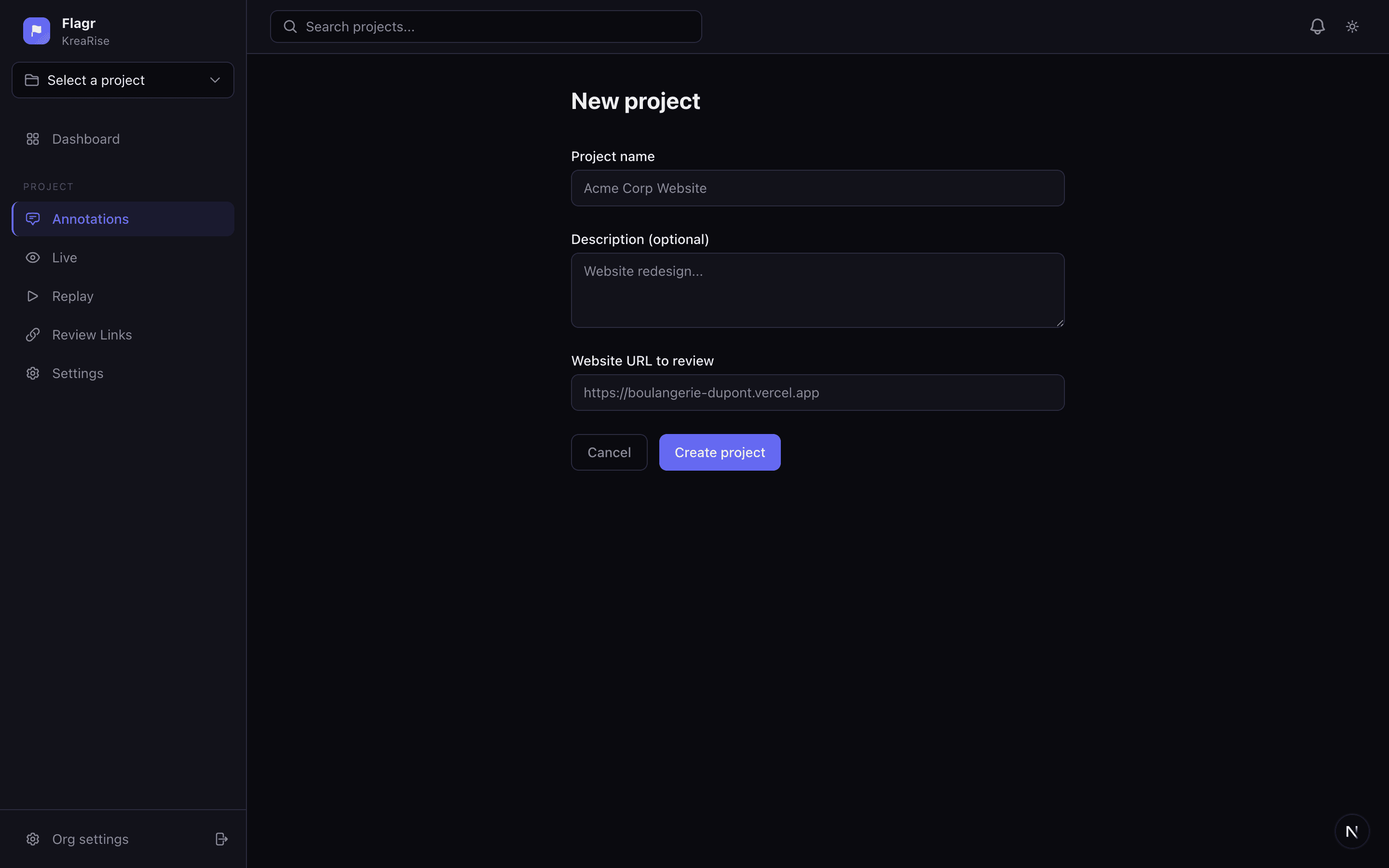
Create a project
Enter your site URL. Get a review link.
Send the link to your client
They annotate. You ship.
No signup, no extension, no install.
How It Works
From setup to feedback in three steps
No SDK, no extension, no client account. Just a link.
Create a project
Add your client's URL and get a unique review link in seconds. No SDK, no code snippet — just paste the URL.
Client reviews visually
They browse the live site, pin comments, draw arrows, and annotate — all captured automatically. No signup required.
Review and resolve
See every annotation with screenshots, replay browsing sessions, and track resolution progress from your dashboard.
Compare
How Flagr compares
The only feedback tool that works without any install — just a link.
| Feature | Markup.io | BugHerd | Usersnap | Flagr |
|---|---|---|---|---|
| Visual annotations on live site | ||||
| Drawing tools (arrow, rect, blur...) | Basic | Basic | 6 tools | |
| Session replays | ||||
| Console & network logs | Basic | |||
| No client account needed | ||||
| No SDK / extension to installOnly Flagr | ||||
| Comment threads | ||||
| Custom branding | Team plan | |||
| Free plan | Trial only | Trial only | Trial only | |
| Comparable plan price | $49/mo | $41/mo | $69/mo | 19€/mo |
Pricing
Simple, transparent pricing
Start free. Upgrade when you need more power. No credit card required.
Free
Perfect for trying Flagr on a single project.
- 1 project
- 50 feedbacks / month
- Screenshots & drawings
- Console logs (10 last)
- 30-day data retention
Solo
For freelancers shipping client work.
- 3 projects
- 300 feedbacks / month
- Console logs (50 last)
- 90-day data retention
Pro
For freelancers and small teams collaborating daily.
- 15 projects
- 1,000 feedbacks / month
- 5 team members
- Session replays
- Full console & network logs
- Custom SMTP
- 6-month data retention
Team
For agencies and teams with multiple clients.
- Unlimited projects
- Unlimited feedbacks
- 20 team members
- Session replays
- Custom branding
- Custom SMTP
- 1-year data retention
Flagr is a visual feedback platform built for web designers, agencies, and dev teams. Clients annotate directly on the live website — pin comments on UI elements, draw arrows to highlight layout issues, mark up spacing and typography problems, and discuss design changes in context. Every annotation captures an automatic screenshot with console logs, and browsing sessions can be recorded as DOM-level replays.
No. Clients receive a single review link and can start annotating immediately — zero signup, no browser extension, no app to download. It works on any modern browser, desktop or mobile. Perfect for clients who aren't tech-savvy.
Flagr includes 6 annotation tools: pin comments on any DOM element, draw arrows to point out UI details, rectangles to frame sections, freehand sketches for quick markup, text labels for inline notes, and blur zones to redact sensitive content. A select cursor lets you move and resize any shape. Each annotation can be tagged as a bug, design change, question, or approval.
Flagr records the full browsing session at DOM level using rrweb — every click, scroll, hover, and responsive breakpoint change your client triggers. You replay the exact user journey in a pixel-perfect reconstruction without heavy video files. Combined with captured console errors and network requests, you can pinpoint CSS glitches, JavaScript bugs, and layout shifts instantly.
Yes. Flagr records the viewport dimensions and device type with every annotation. Clients can resize their browser or use a mobile device, and you'll see exactly which breakpoint triggered the issue — no more guessing "which screen size was that?"
Yes, Flagr offers a free plan with 1 project and 50 feedbacks per month — no credit card required. For more projects, team members, session replays, and advanced features, paid plans start at 9€/month. Join the waitlist to get early access.
Email feedback is vague — clients describe visual issues in words, attach cropped screenshots that miss context, and threads spiral into chaos. Flagr pins feedback directly on the live site with pixel-accurate coordinates, automatic before/after screenshots, browser console logs, and a replayable session. Designers see exactly what the client sees, on the exact page, at the exact scroll position.
Flagr works with any publicly accessible URL — static sites, WordPress, Webflow, Shopify, React/Next.js apps, or custom builds. It proxies the target site server-side and injects the annotation overlay, so there's nothing to install on your hosting or CMS.
Ready to fix your feedback workflow?
Free plan available. No credit card required.